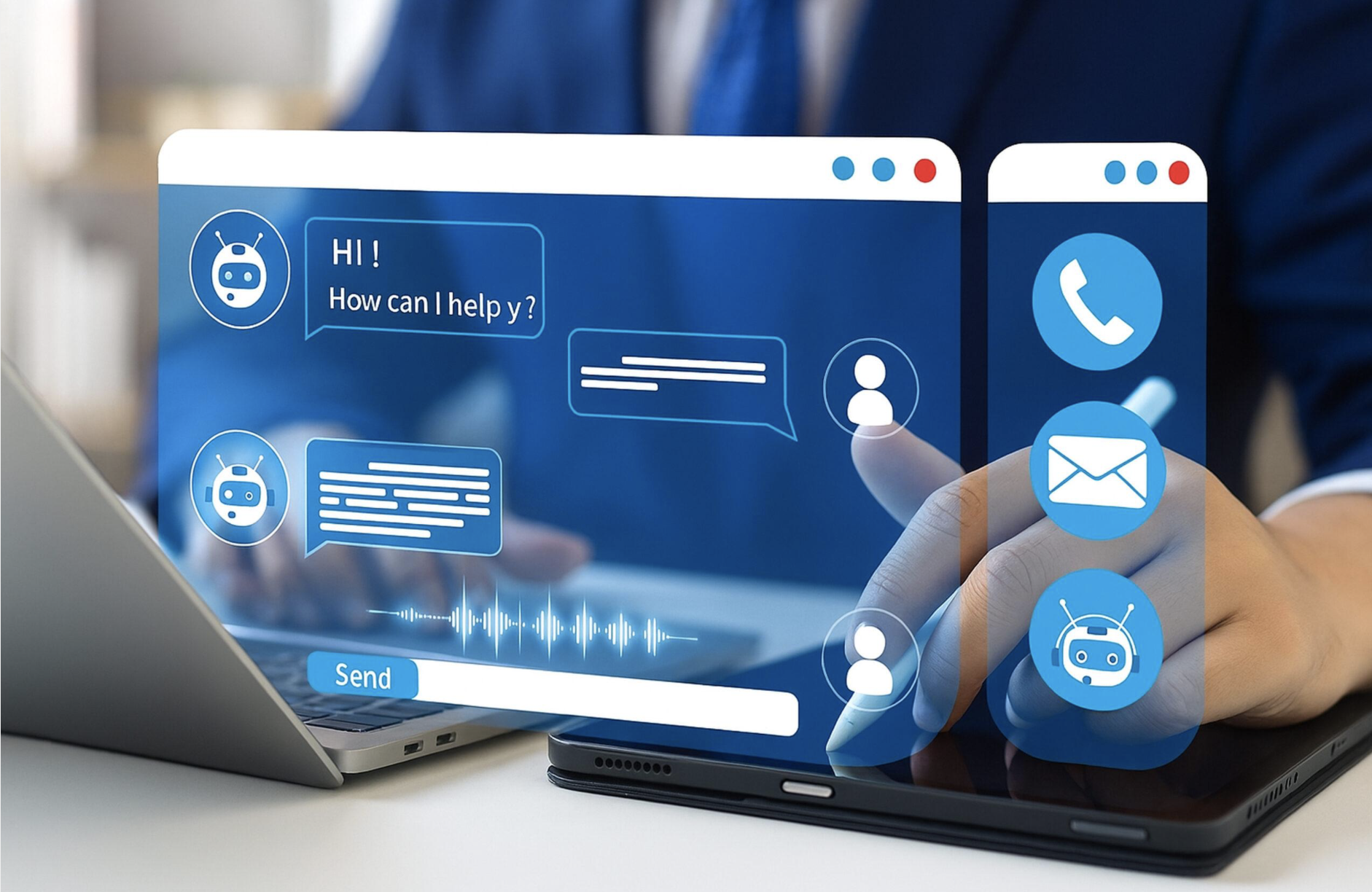
For years, business messaging was treated as an optional extra.
A staff member might send a text to confirm an appointment, notify a customer that an order was ready or follow up after a missed call. Most customer communication, however, remained reactive.
The business waited for the customer to call. That model creates unnecessary work.
A customer calls to confirm a booking. Another calls for a delivery update. Someone else wants to know whether an outage has been resolved or whether their payment has been received.
Each enquiry may be straightforward, but collectively they place significant pressure on reception, service and contact centre teams.
Modern business messaging changes that relationship. Instead of waiting for customers to request information, organisations can proactively send timely, relevant updates through Short Message Service (SMS), WhatsApp and other digital channels.
Customers can then confirm, reschedule, ask a question or request assistance without needing to sit in a phone queue.
1. From Reactive Support to Proactive Customer Communication
Businesses are being asked to do more with less. Staff are busy, operating costs are under pressure and customers expect fast answers. However, many employees still spend a large part of their day responding to predictable questions:
– Has my order shipped?
– Is my appointment still confirmed?
– When will the technician arrive?
– Has the service interruption been resolved?
– Can I change my booking?
– Did you receive my payment?
– When is my renewal due?
These aren’t necessarily complex enquiries. They are often questions the business already has the information to answer. These aren’t necessarily complex enquiries. They are often questions the business already has the information to answer. A proactive messaging platform can send that information before the customer feels the need to call.
The goal isn’t to remove human interaction. It is to reserve people for the conversations where their judgement, experience and empathy add the most value. The different levels of business messaging.
2. Business Messaging Solutions: From SMS to AI Automation
Not every organisation needs the same solution. Some businesses simply want staff to send an occasional message from their business number. Others need automated campaigns, two-way conversations, Artificial Intelligence agents and integration with operational systems.
Arrow can combine several parts of the 8×8 platform to match the requirement.
1. One-to-one messaging through 8×8 Work
8×8 Work allows employees to send and receive business SMS messages from desktop, web or mobile applications. This is useful for:
– salespeople confirming meetings
– account managers following up with customers
– service teams providing arrival updates
– reception staff confirming appointments
– mobile employees who don’t want to expose their personal number
The employee can use the business communications platform they already work in, rather than switching to a personal mobile or separate messaging application.
2. Business messaging inside Microsoft Teams
Many organisations now use Microsoft Teams as their main workplace for chat, meetings, collaboration and calling.
The 8×8 app for Microsoft Teams can bring business messaging directly into the Teams experience. Depending on the selected configuration, users can send and receive SMS messages, access voicemail, manage call queues and use calling functions from the familiar Teams interface.
That reduces application switching and can improve user adoption because employees don’t need to learn another disconnected platform. 8×8 Help
3. Automated messaging with 8×8 Proactive Outreach
8×8 Proactive Outreach is designed for businesses that want to move beyond individual messages and communicate with customers at scale.
It supports SMS and WhatsApp messaging across three broad use cases:
- Proactive Outreach Notify: Notify is suited to one-way communications such as:
– appointment reminders
– service updates
– billing notices
– renewal reminders
– promotional campaigns
– product announcements
– delivery notifications
Businesses can manage contact lists, message templates and campaign timing without needing to build a complex application.
- Proactive Outreach Interact: Interact adds two-way customer conversations.
A business can send an SMS or WhatsApp message and allow the customer to reply. Responses can then be routed to an automated bot or the appropriate live agent within 8×8 Contact Center.
This is particularly useful for appointment confirmations, rescheduling, service questions, customer feedback and sales follow-up.
- Proactive Outreach Alert: Alert is designed for urgent, time-sensitive communications such as:
– service disruptions
– facility closures
– weather warnings
– system outages
– safety notifications
– urgent operational updates
The objective is to reach the right audience quickly and reduce the confusion and inbound demand that often follows an unexpected event.
8×8’s official materials describe Proactive Outreach as a packaged suite for one-to-many messaging, two-way SMS and WhatsApp conversations, automated campaigns and time-sensitive alerts.
4. WhatsApp as a Business Channel
For many customers, WhatsApp is already a familiar way to communicate. It can support richer conversations than traditional SMS, including images, videos and documents. This can make it particularly useful for:
– delivery and order updates
– customer support
– appointment workflows
– property maintenance
– product information
– feedback requests
– service notifications
8×8’s WhatsApp capability can integrate with customer service and Customer Relationship Management systems, allowing interactions to form part of a more complete customer history rather than remaining in a disconnected inbox. 8×8
5. Adding Artificial Intelligence with 8×8 AI Studio
8×8 AI Studio adds an intelligent automation layer across voice and digital channels, including SMS and WhatsApp. An AI agent can:
– answer frequently asked questions
– collect customer information
– identify the reason for an enquiry
– complete approved workflows
– create or update a service request
– route the customer to the correct team
– escalate to a live agent when human help is needed
Importantly, the handover can preserve the context of the conversation so the customer doesn’t need to start again. Because AI Studio is built into the broader 8×8 platform, businesses can introduce automation without creating an entirely separate communication environment.
3. Connecting SMS and WhatsApp to Your Business Systems
The biggest efficiency gains occur when messaging is linked to the systems that already run the business.
With appropriate Application Programming Interfaces, workflow automation and integration design, events in a Customer Relationship Management, Enterprise Resource Planning, booking, billing or service system can trigger the right communication automatically.
For example:
1. A booking is created in the appointment system.
2. The customer receives an SMS or WhatsApp reminder.
3. The customer replies to confirm or reschedule.
4. A workflow or AI agent handles the straightforward response.
5. A complex request is routed to the appropriate employee.
6. The outcome is recorded for reporting and follow-up.
The same process can be applied to deliveries, renewals, invoices, outages, service requests and customer feedback.
8×8 Proactive Outreach supports APIs, an Automation Builder, messaging templates and routing of inbound responses to bots or contact centre agents. Integration with a specific CRM or ERP platform will depend on the available interfaces and agreed solution design. 8×8 Help
4. How Different Industries Are Using Business Messaging
5. The Business Benefits: Fewer Calls, Less Admin, Better CX
A connected messaging strategy can deliver benefits across cost, productivity and customer experience.
- Fewer avoidable inbound calls
- When customers receive the information they need in advance, they are less likely to call simply to request an update.
- Fewer missed appointments
- Automated reminders and simple confirmation or rescheduling options make it easier for customers to act.
- Reduced administration
- Routine updates can run automatically rather than requiring staff to send messages manually.
- Better use of skilled employees
- Employees can focus on exceptions, complex enquiries and relationship-based work rather than repetitive status questions.
- Faster customer service
- Customers can reply on a channel they already use and receive a response without waiting in a telephone queue.
- Improved accountability
- Delivery status, replies and interaction histories provide a clearer record of what was communicated and what action followed.
- Automation should support human service
6. Finding the Right Balance Between AI and Human Support
Not every customer interaction should be automated. The strongest solutions define clear boundaries.
Automation works well for predictable, low-risk activities such as reminders, confirmations, status updates and information collection. A person should remain available for complaints, sensitive matters, unusual requests and conversations requiring judgement.
A good design should answer four questions:
1. What can be safely automated?
2. What information does the workflow need?
3. When should the interaction move to a person?
4. How will the full context follow the customer?
When those rules are clear, automation improves service instead of becoming another barrier.
7. How Arrow Helps Businesses Simplify Customer Communication
Arrow helps businesses select the right messaging model rather than forcing every organisation into the same package. The solution may include:
– individual SMS through 8×8 Work
– business SMS within Microsoft Teams
– one-to-many messaging through Proactive Outreach Notify
– two-way SMS and WhatsApp through Interact
– urgent communications through Alert
– live-agent routing through 8×8 Contact Center
– AI Studio agents for repetitive enquiries
– CRM, ERP, booking or service-system integration
– analytics, governance and ongoing optimisation
Our starting point is the business workflow.
Where are customers calling unnecessarily?
Which reminders are still manual?
Where are appointments being missed?
Which updates could be triggered automatically?
When does a customer genuinely need a person?
From there, Arrow can demonstrate the technology, identify a practical first use case and design a solution that can grow over time.
Business messaging is no longer just a text sent after a missed call.
It can now become a connected, measurable and automated part of the customer experience — helping organisations reduce effort, control costs and give customers a faster way to get things done.