Technology is essential to cyber security.
Firewalls, endpoint protection, multi-factor authentication, email filtering, monitoring, backup, and identity protection all play an important role.
But technology alone is not enough.
For many small and mid-market businesses, one of the biggest cyber risks still comes down to a simple human moment: a staff member clicks a link, opens an attachment, trusts the wrong email, or approves a request that looked legitimate.
And with artificial intelligence now making phishing and impersonation attacks more convincing than ever, security awareness training has become one of the most practical and cost-effective ways to reduce business risk.
Phishing Has Changed
Phishing emails used to be relatively easy to identify.
They often had spelling mistakes, poor formatting, strange wording, or obviously suspicious sender addresses. Staff could usually spot that something did not look right.
That is no longer the case. Attackers now use artificial intelligence tools to write polished, professional, and highly convincing messages. They can imitate tone, style, urgency, and business language far more effectively than before. A fake email can now look like it came from:
- your Managing Director
- your finance manager
- a supplier
- your accountant
- a customer
- Microsoft 365
- a courier company
- a bank
- a payroll provider
The message may include real names, convincing branding, professional formatting, and urgent language designed to make someone act quickly.
That is why staff training must evolve. It is no longer enough to say, “look out for spelling mistakes.” Modern phishing often looks credible.
The Weakest Link Is Usually a Busy Person
Most staff do not make security mistakes because they are careless.
They make mistakes because they are busy. They are answering emails between meetings. They are approving invoices at the end of the day. They are multitasking across customer calls, payroll, accounting systems, and Microsoft 365. They are trying to be helpful and responsive.
Attackers know this. They design scams to take advantage of urgency, trust, routine, and pressure.
Some common examples include:
- a fake Microsoft login page asking the user to re-enter credentials
- an email pretending to be from the boss requesting gift cards or urgent payment
- a supplier invoice with changed bank details
- a fake DocuSign or electronic signature request
- a QR code leading to a credential theft page
- a voicemail notification that prompts the user to log in
- a payroll change request sent from a compromised account
One click can lead to a compromised mailbox. One compromised mailbox can lead to invoice fraud, data theft, or business email compromise.
A Simple Example: The Accounting Firm That Trusted the Wrong Email
Imagine a small accounting firm with 18 staff. During tax season, the team is busy. The inbox is full. Clients are sending documents, approvals, signatures, and payment instructions all day.
One staff member receives what appears to be an email from a long-term client. It includes a link to “updated bank details” and asks for confirmation before a payment is processed.
The email looks normal. The tone is familiar. The timing makes sense.
The staff member clicks the link and is taken to what appears to be a Microsoft 365 login page. They enter their username and password.
Within minutes, the attacker has access to the mailbox.
From there, the attacker quietly creates hidden forwarding rules, monitors client conversations, and waits for a payment opportunity. A few days later, a legitimate invoice discussion is intercepted. The attacker sends updated bank details from the real mailbox.
The payment is made to the wrong account. The financial loss is only part of the damage. The business also has to deal with:
- client trust issues
- incident response costs
- possible legal obligations
- cyber insurance notifications
- disruption to staff
- reputation impact
- time spent reviewing every affected mailbox and transaction
This is exactly why awareness matters. If one person had paused, checked the link, or verified the request through another channel, the incident may have been avoided.
What Security Awareness Training Actually Does
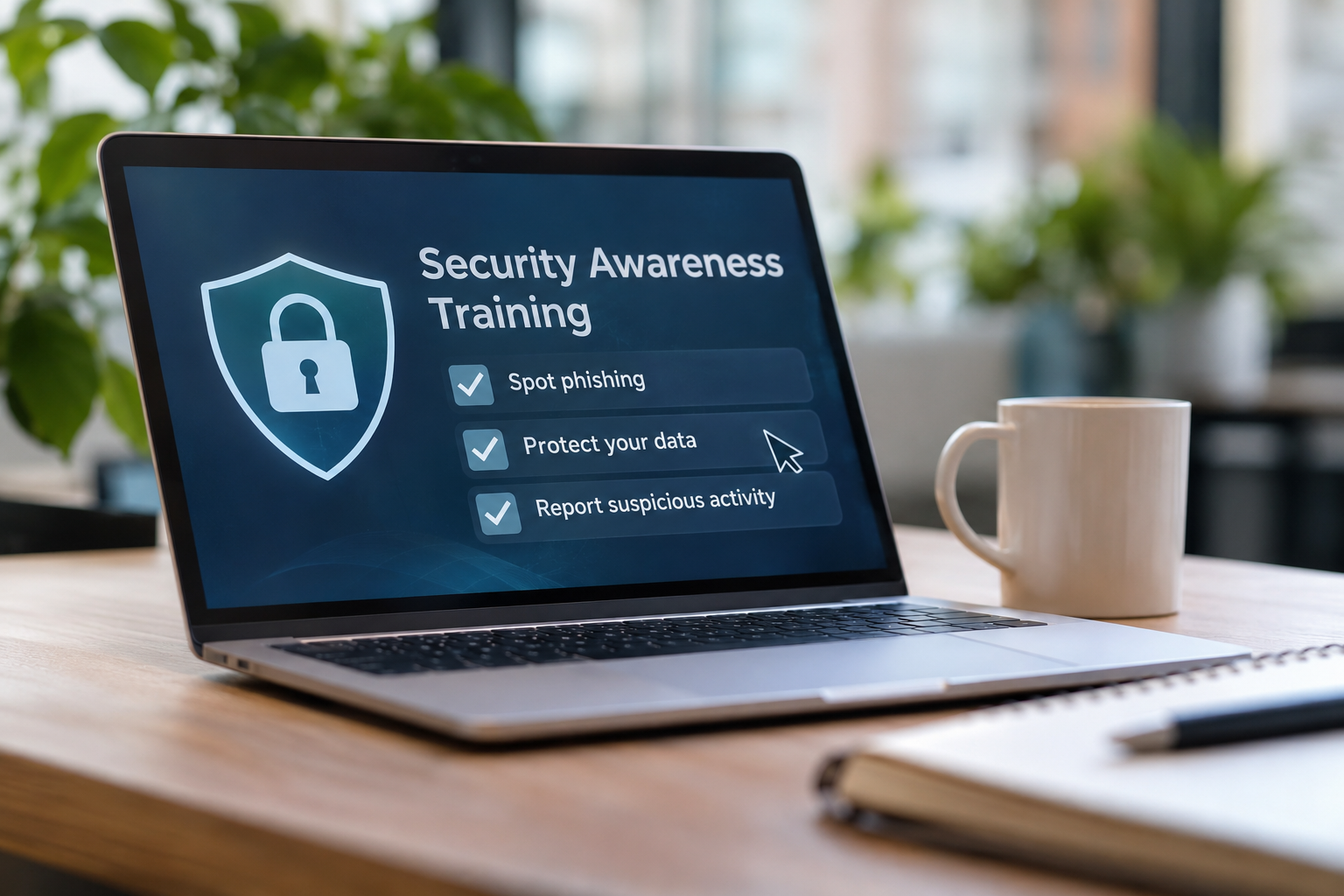
Security awareness training helps staff recognise modern threats and respond correctly.
A good program should not be a once-a-year compliance exercise that everyone forgets. It should be ongoing, practical, and easy for staff to complete.
Arrow’s security awareness training approach can include:
Simulated phishing and spoofing tests
These tests safely simulate real-world phishing attempts to identify who may be vulnerable and what types of messages staff are most likely to click.
The goal is not to embarrass people. The goal is to educate and improve.
Short training modules
Training should be easy to complete. Arrow can provide automated training programs using short videos, typically around five to seven minutes, followed by a brief knowledge check.
This keeps training manageable for busy teams.
Ongoing education
Threats change constantly. Training needs to run continuously so staff are kept up to date on new techniques, including phishing, business email compromise, credential theft, password hygiene, suspicious links, QR code scams, and social engineering.
Reporting and visibility
Management should be able to see progress. Reporting helps identify which teams may need more support, which users are improving, and whether the organisation is becoming more security aware over time.
Why This Matters for Cyber Insurance
Cyber insurance providers increasingly want to see that businesses are taking practical steps to reduce risk.
Security awareness training is often part of that conversation because insurers understand that staff behaviour is a major factor in cyber incidents.
A business that can show evidence of ongoing training, phishing simulations, identity protection, endpoint security, backups, and incident response planning is in a stronger position than one that simply says, “we think we’re secure.”
Training does not guarantee that an incident will never happen. But it does show that the organisation is taking reasonable, practical steps to reduce human risk.
Why Small Businesses Should Take This Seriously
Small businesses are often targeted because attackers know they may not have large internal IT teams or mature security processes. They may rely on external providers, have limited reporting, or assume that Microsoft 365 security settings are “good enough” by default.
But small businesses still hold valuable data:
- customer information
- financial records
- payroll details
- supplier bank details
- sensitive emails
- contracts
- identity documents
- intellectual property
For attackers, that is enough.
Security awareness training gives small businesses a practical way to lift security across the entire organisation without creating a large, complex project.
It is cost-effective, easy to deploy, and helps everyone understand their role in protecting the business.
How Arrow Can Help
Arrow helps small and mid-market businesses build practical, modern security programs that combine technology, training, monitoring, and support.
For security awareness, Arrow can assist with:
- phishing simulation campaigns
- staff awareness training
- automated short training modules
- reporting and risk visibility
- Microsoft 365 security reviews
- identity protection
- endpoint security
- managed security services
- cyber insurance readiness support
This can also be combined with Arrow’s broader Business Essentials offering, including managed desktop support, Microsoft 365 security optimisation, managed endpoint protection, backup and disaster recovery, and 24/7 support.
The result is a more complete security posture — one that protects systems, supports staff, and gives business owners and managers more confidence.
Where to Start
If you are not currently running security awareness training, the best first step is a simple review.
Ask:
- Have staff been trained on modern phishing techniques?
- Do we run simulated phishing tests?
- Do we know who is most at risk?
- Do staff know how to verify payment changes?
- Do we have a process for reporting suspicious emails?
- Can we show evidence of training for cyber insurance?
- Are we combining awareness training with Microsoft 365 and endpoint security?
If the answer to any of these is unclear, now is the right time to act.
Security awareness training is not about blaming staff. It is about giving them the tools, confidence, and habits to spot threats before they become incidents.